3D
A character next to your money.
Your new dashboard puts a 3D character in the middle, with net worth, assets, debts and accounts around it. Turn it around and zoom in.

Put your paychecks and bills on a calendar. See your projected bank balance for every future day, so you know what’s left after the bills and spot a shortfall weeks ahead.
No credit card required. Cancel any time.
Your MyBuckPlan Viking coin.
Tap the coin to flip it.
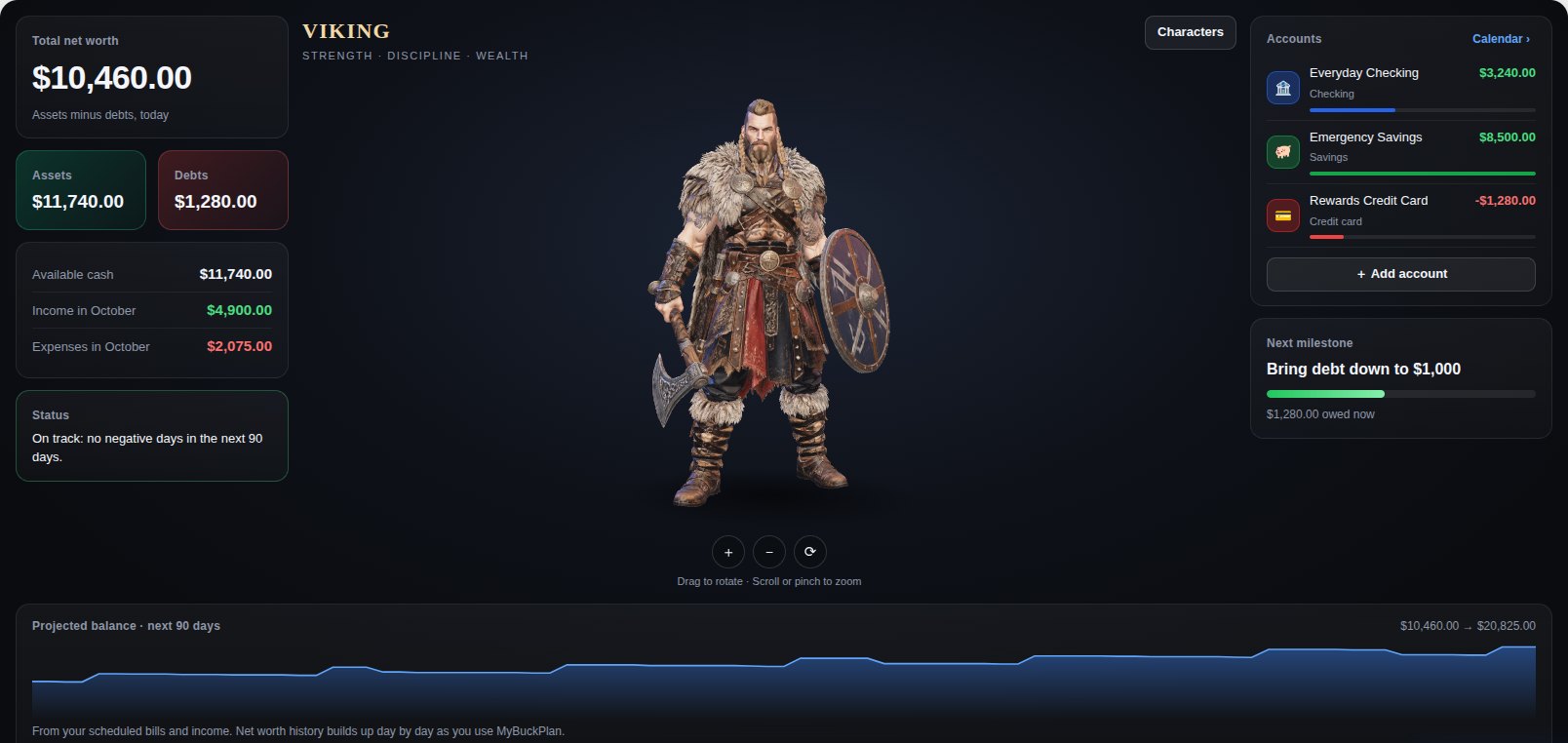
Every bill and payday changes the days ahead.
Create savings goals for a car, a trip, or an emergency fund. Pick a gem color for each bucket and watch it fill as you add money. Set monthly budgets for categories like groceries and see what is spent and still scheduled.

Your dashboard now has a hero. Pick a Viking, a Valkyrie or a Samurai, turn them around in 3D next to your numbers, and watch your progress toward the next money milestone. More characters are on the way.

Your new dashboard puts a 3D character in the middle, with net worth, assets, debts and accounts around it. Turn it around and zoom in.
Choose the character you like best. Every character is open to everyone, and more are coming.
Milestones fit your situation: your first $1,000 saved, a card paid off, debt brought down. Rewards are just for fun, never change your numbers, and stay yours.
Sound stays off unless you turn it on. Your character never says your amounts out loud unless you allow it.
Keep personal and business accounts in view. See when the next bill lands and what your scheduled income means for the days ahead.
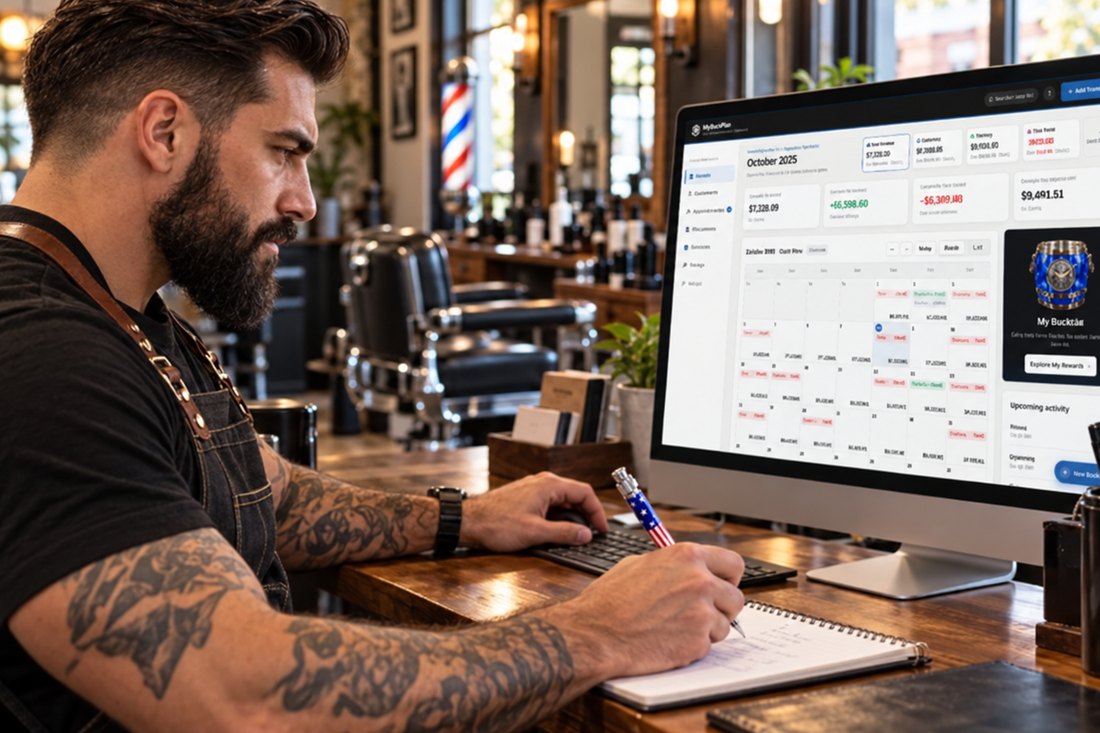
See how personal bills and shop expenses line up with the dates you expect income.
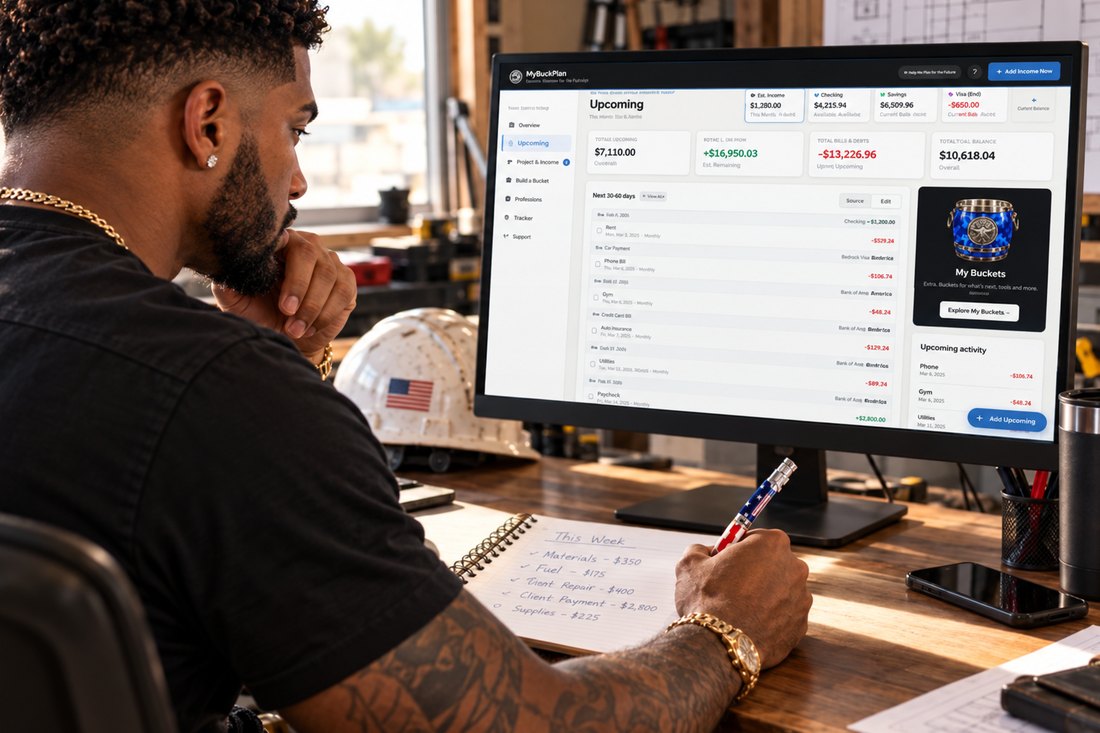
Put supplier payments, household bills, and scheduled income on the same timeline.
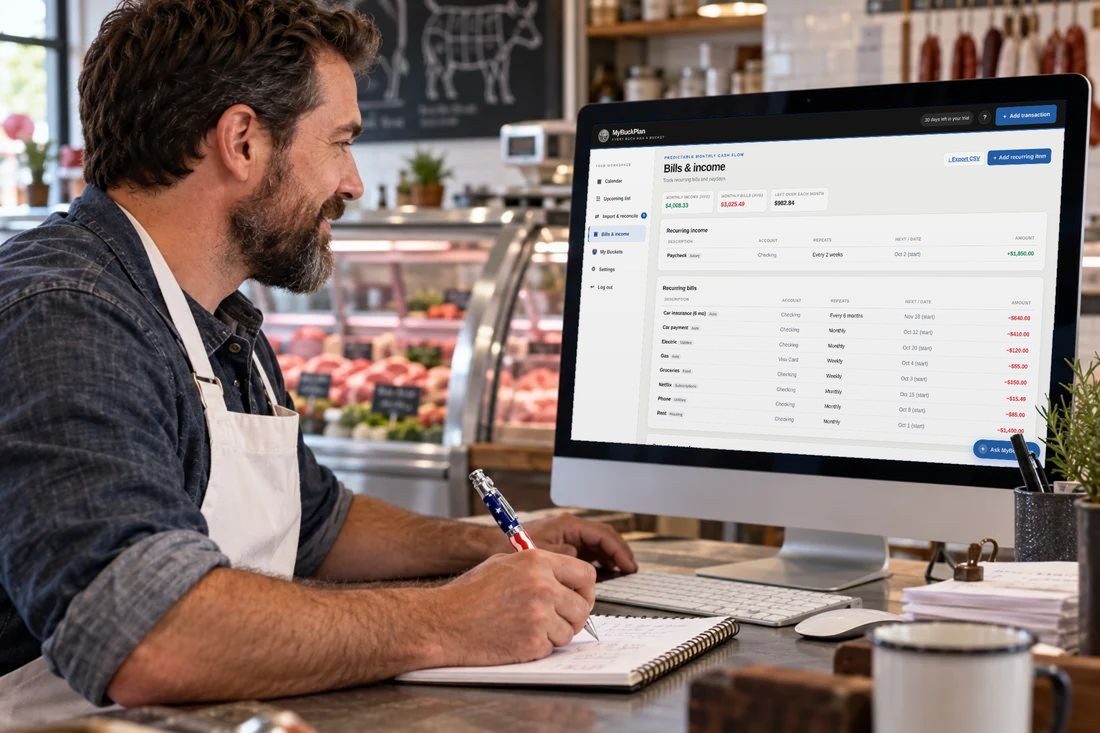
Plan around weekly or biweekly pay and see the bills between paydays.

Keep checking, savings, and credit card dates in view through the month.
Illustrative workplace scenes. Computer screens show sample calendar budgets.
You don’t need a complicated budget. Start with what you have and what’s coming.
Enter today’s balances for checking, savings, credit cards, or cash. Choose a low-balance warning level for each account.
Set amounts, dates, and repeat schedules. Your calendar fills for months and years ahead.
Look beyond payday. See what’s left after the bills, and where the balance could fall short.
Rent, the car payment, and two credit card bills may still be ahead. MyBuckPlan shows the projected balance after each day’s scheduled items, so you can see the whole picture.
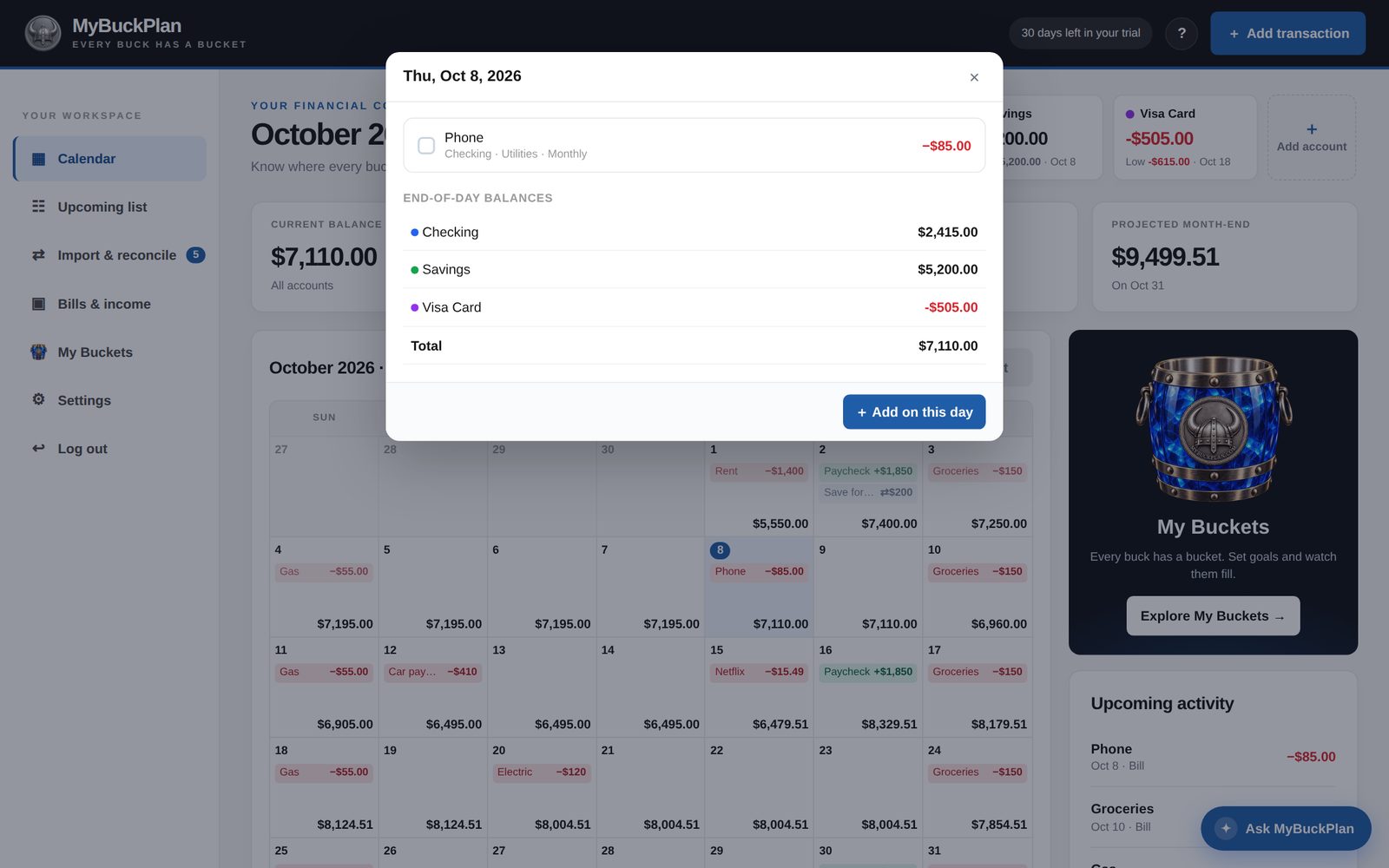
Repeat income and bills daily, weekly, every two weeks or another interval, monthly, twice a month, or yearly. Add an optional end date.
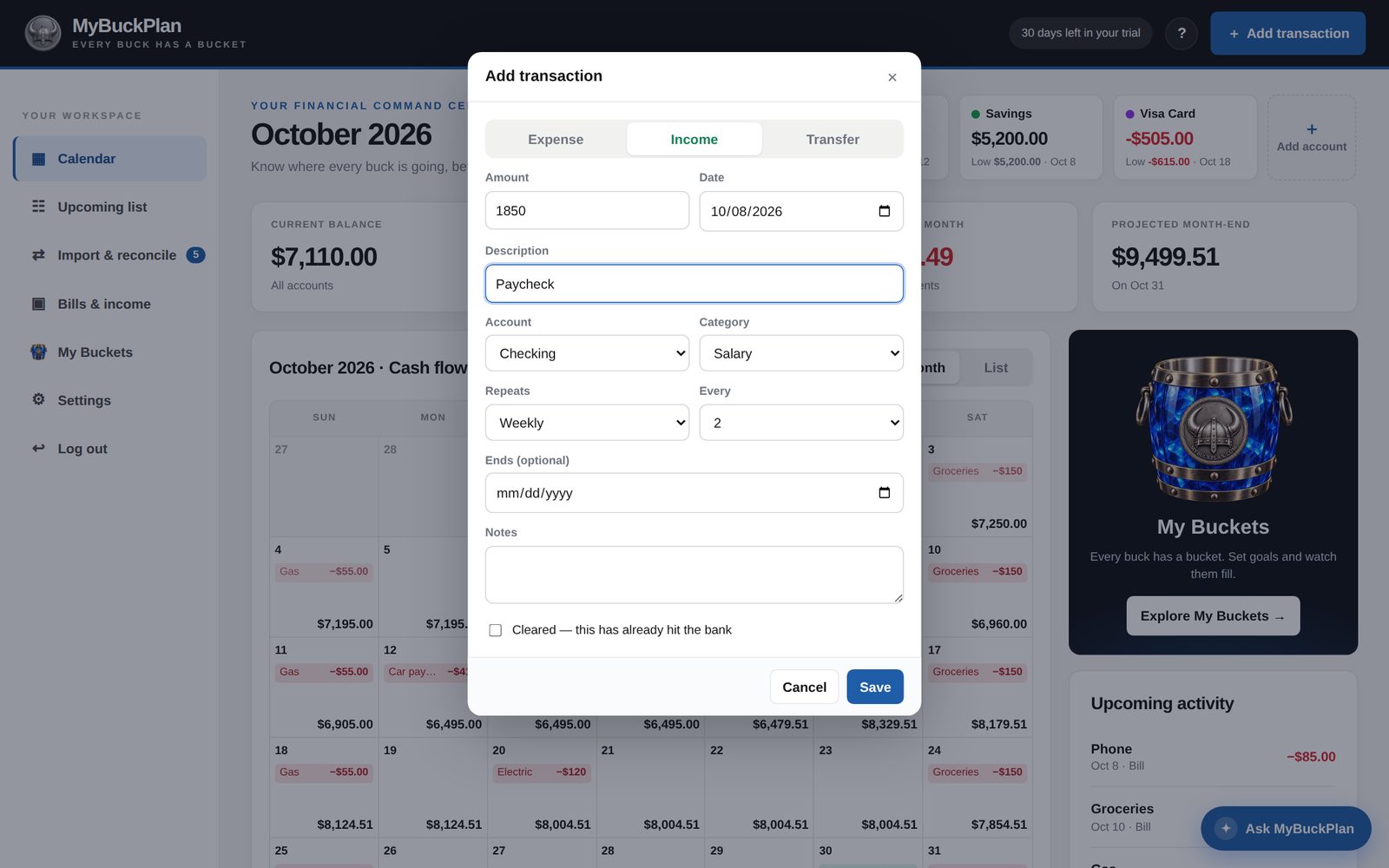
Each account card shows today’s balance and the lowest balance expected in the next 90 days, including the date. Filter the calendar to one account or view all accounts together.
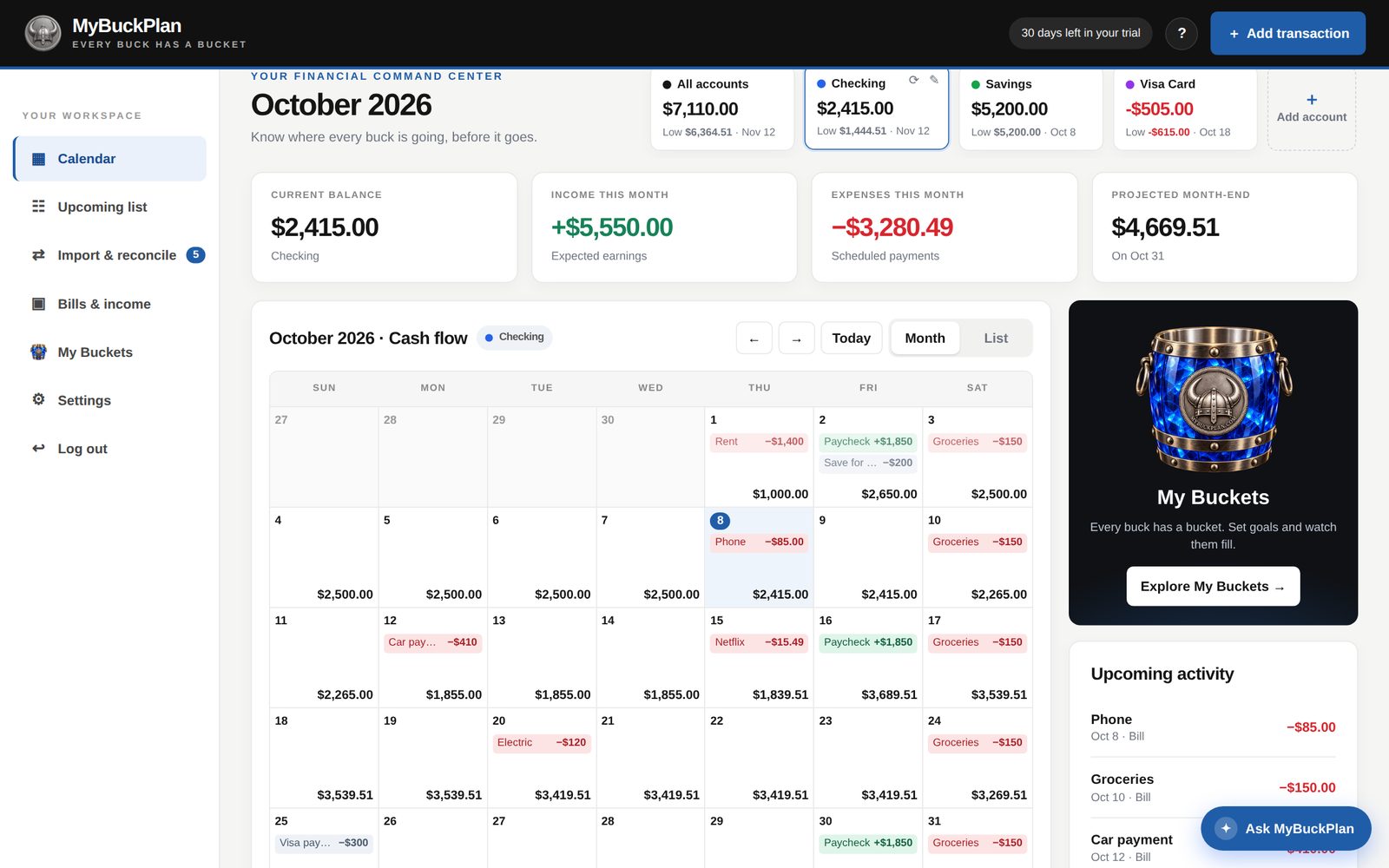
Upload a CSV downloaded from your bank. MyBuckPlan matches transactions to scheduled bills and paychecks so you can reconcile what actually happened.
CSV upload only. No automatic bank syncing.
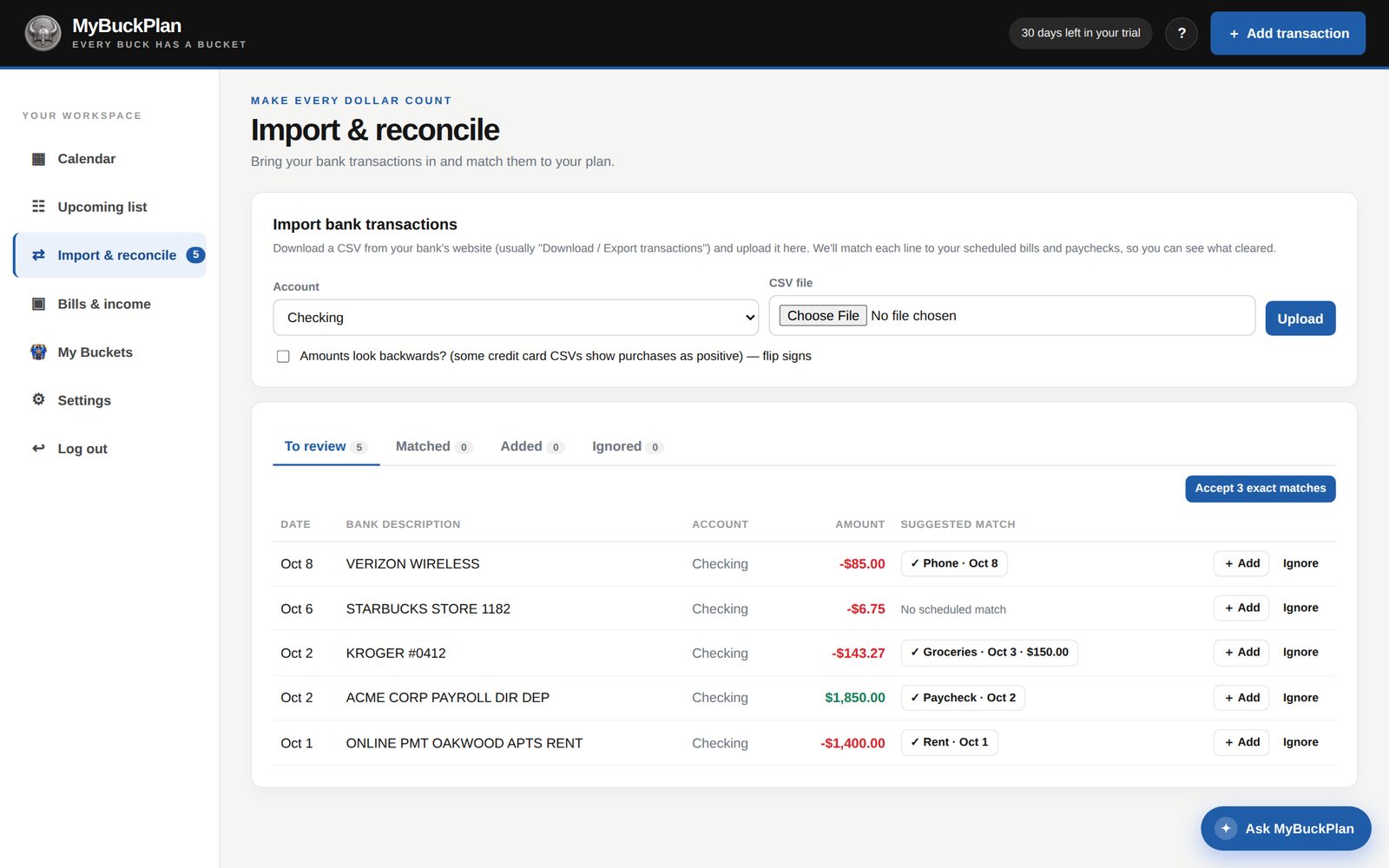
An assistant that uses your previous entries to help you build the next ones. Upload a statement, compare it with your schedule, and review matches or new entries before they change your budget.
Concept preview of the planned assistant. Live memory and statement processing are not connected in this HTML. The app’s existing CSV reconciliation remains available.
Sample data only. This preview does not upload files or change your real accounts.
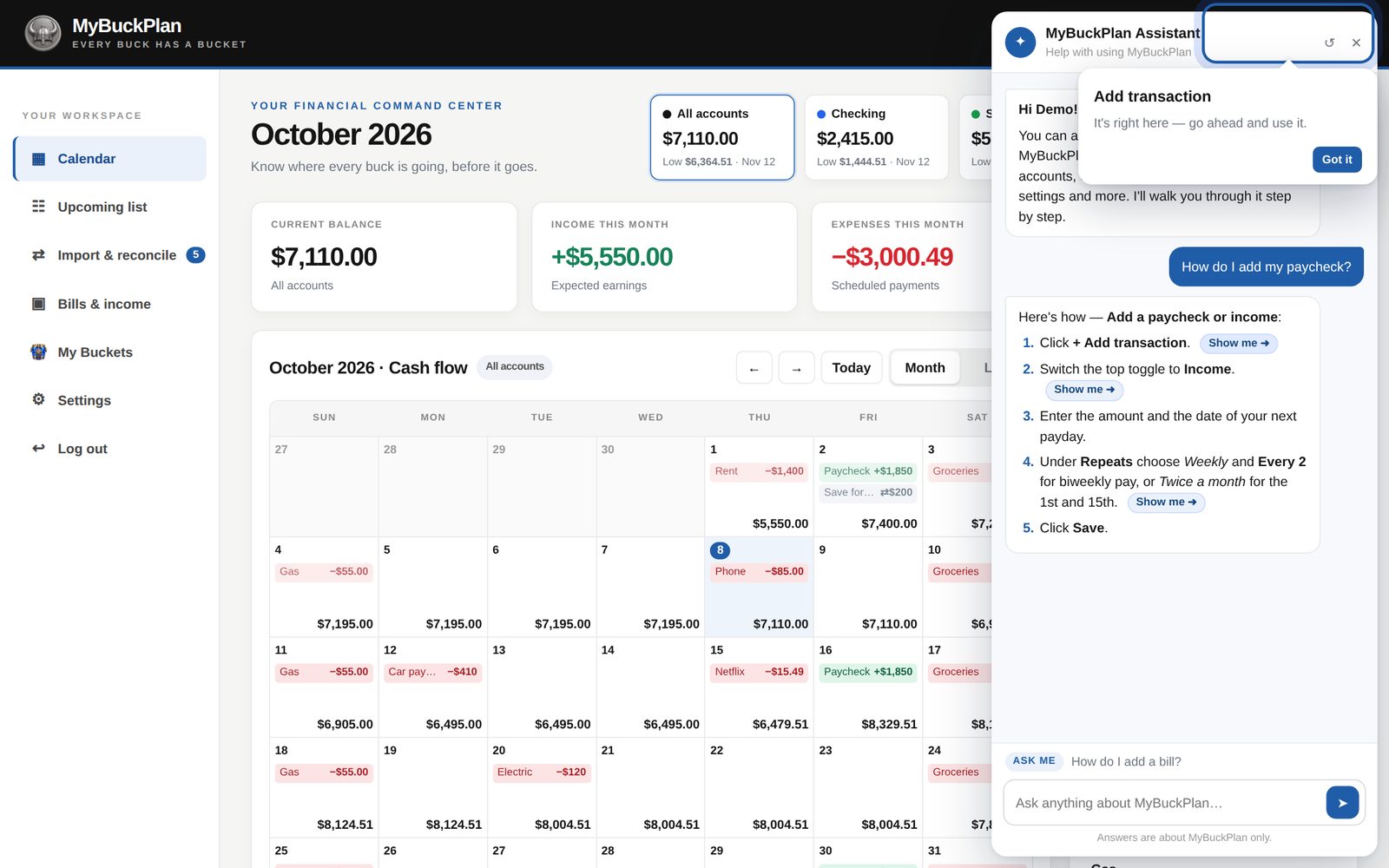
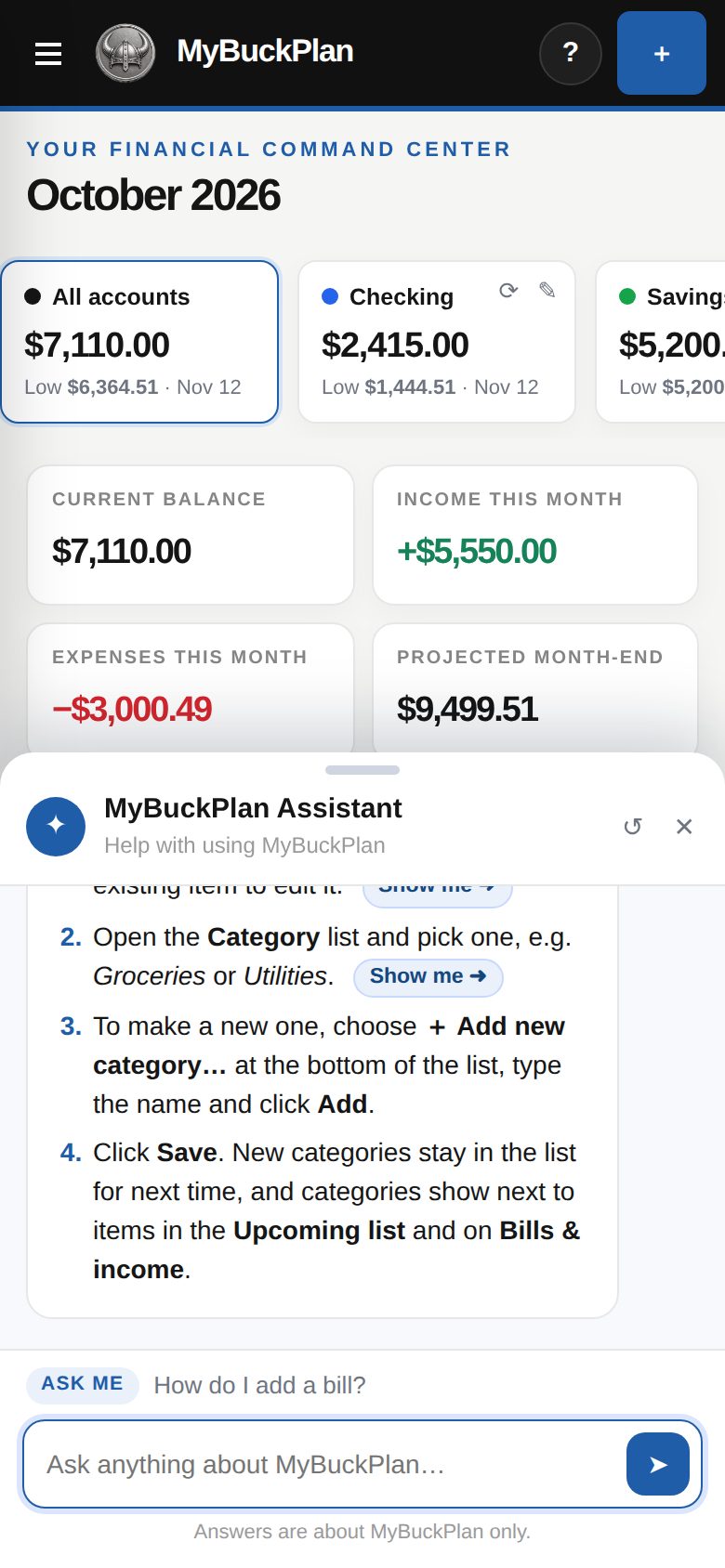
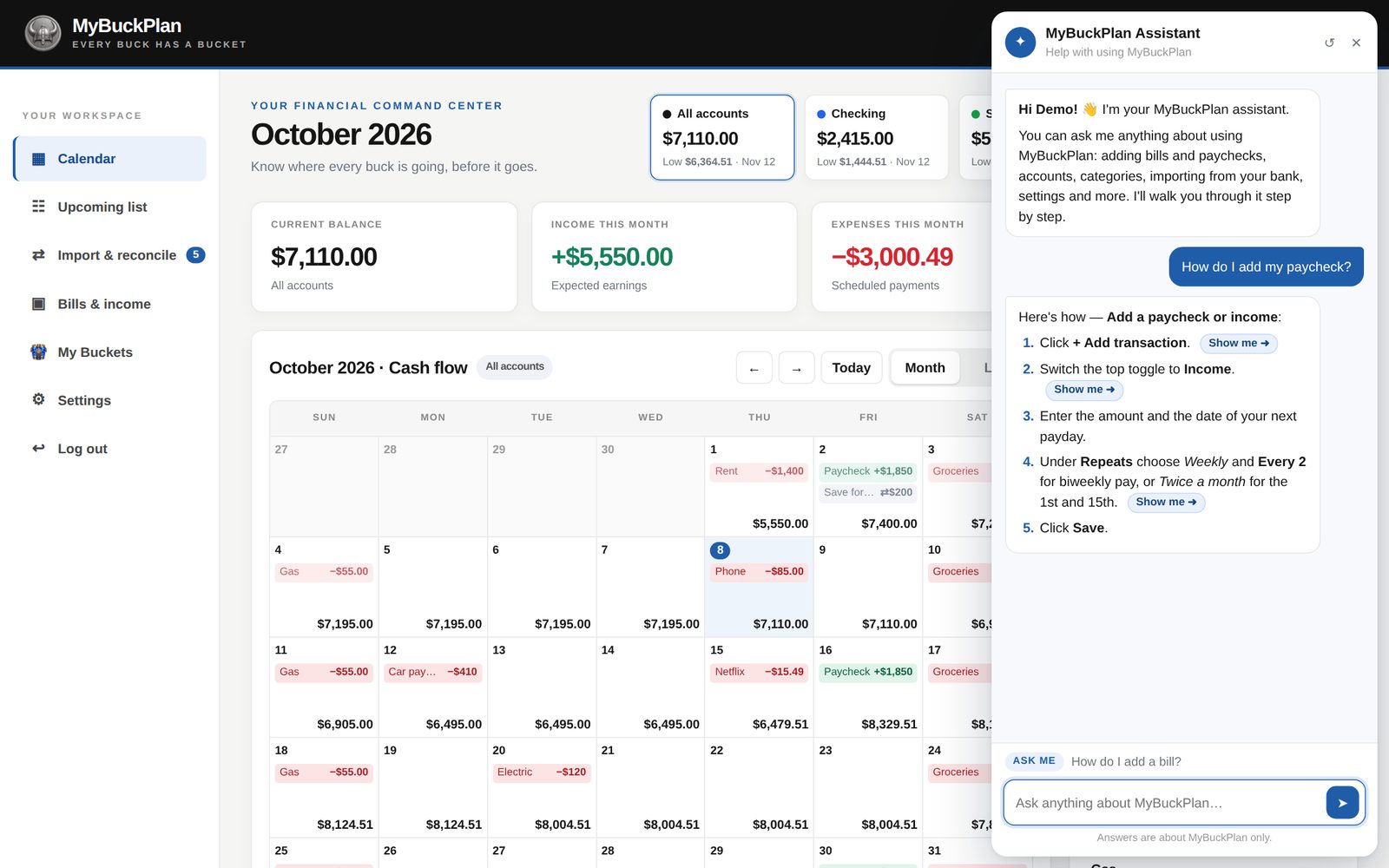
The built-in Ask MyBuckPlan assistant explains how to use the app in numbered steps. Each step has a “Show me” button that points at the exact button or field.
See upcoming items, check your monthly totals, and keep recurring schedules flexible.
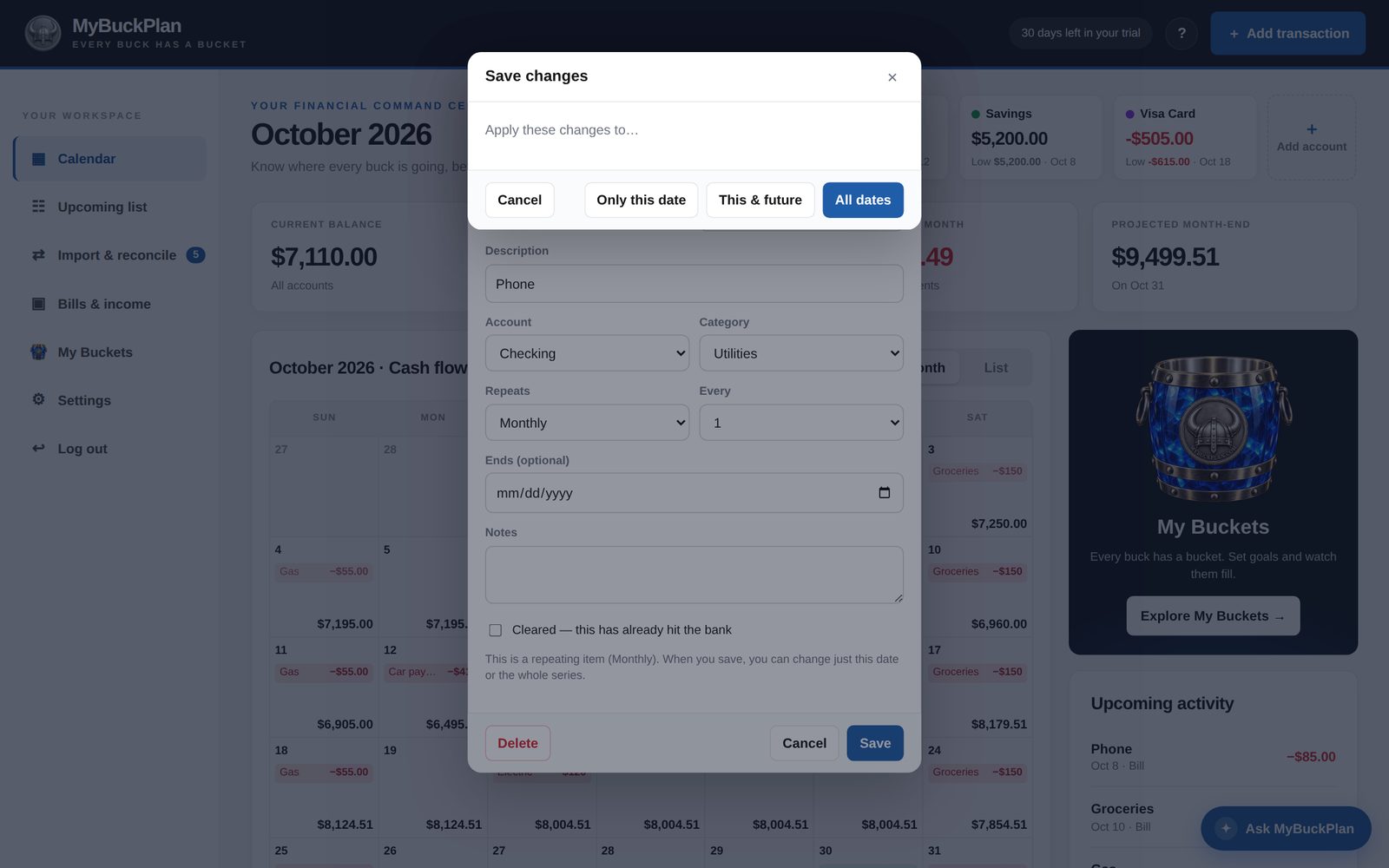
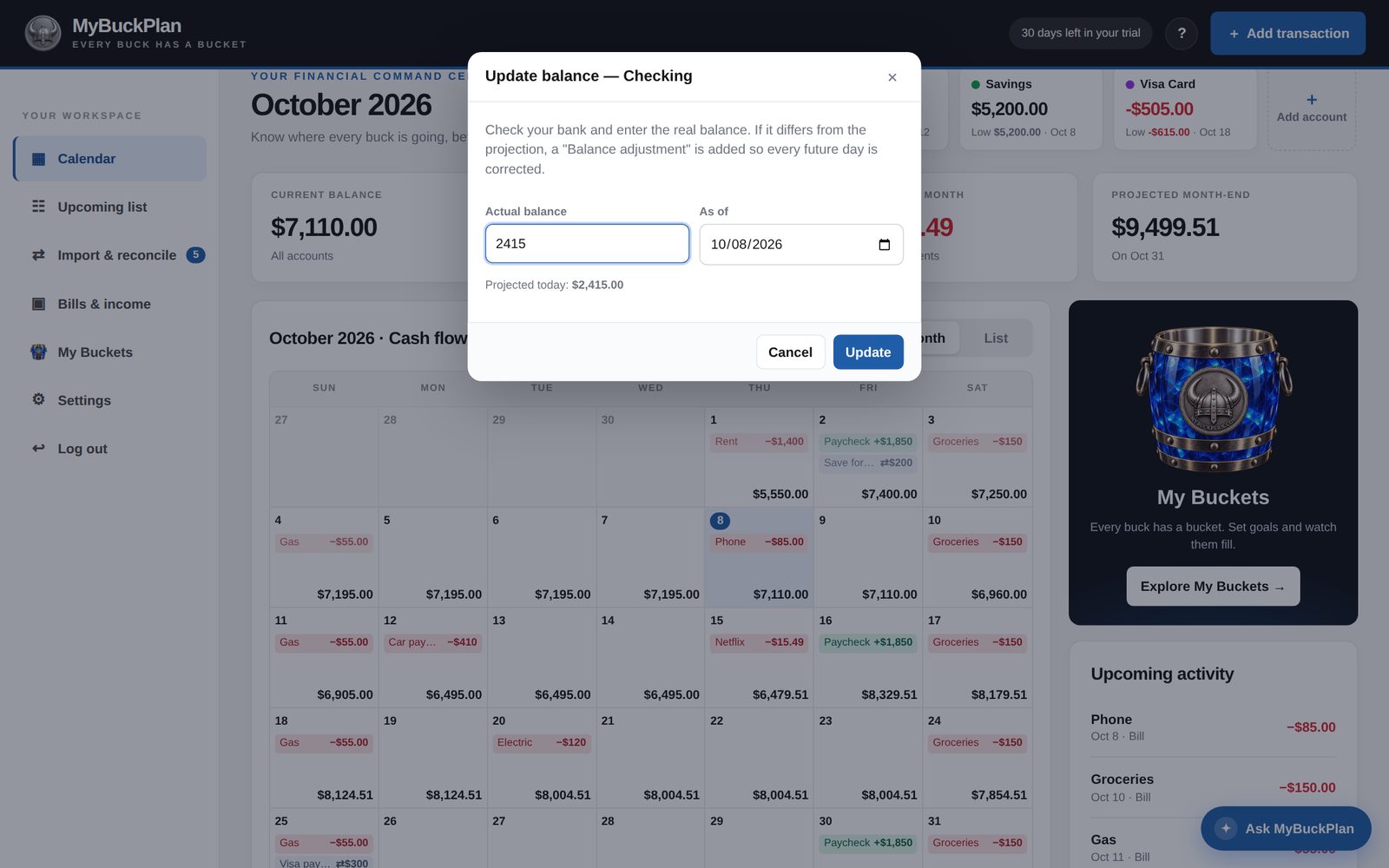
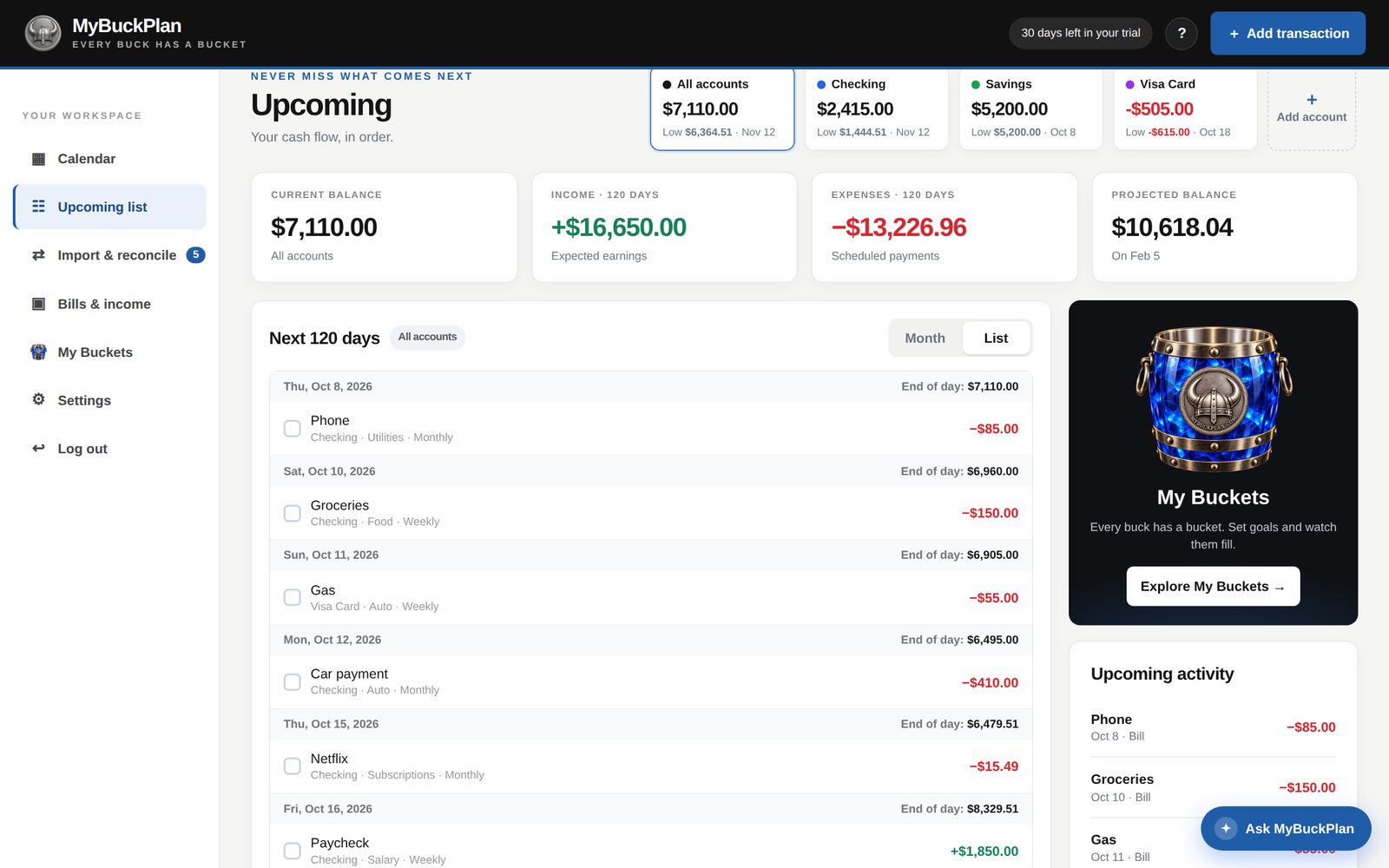
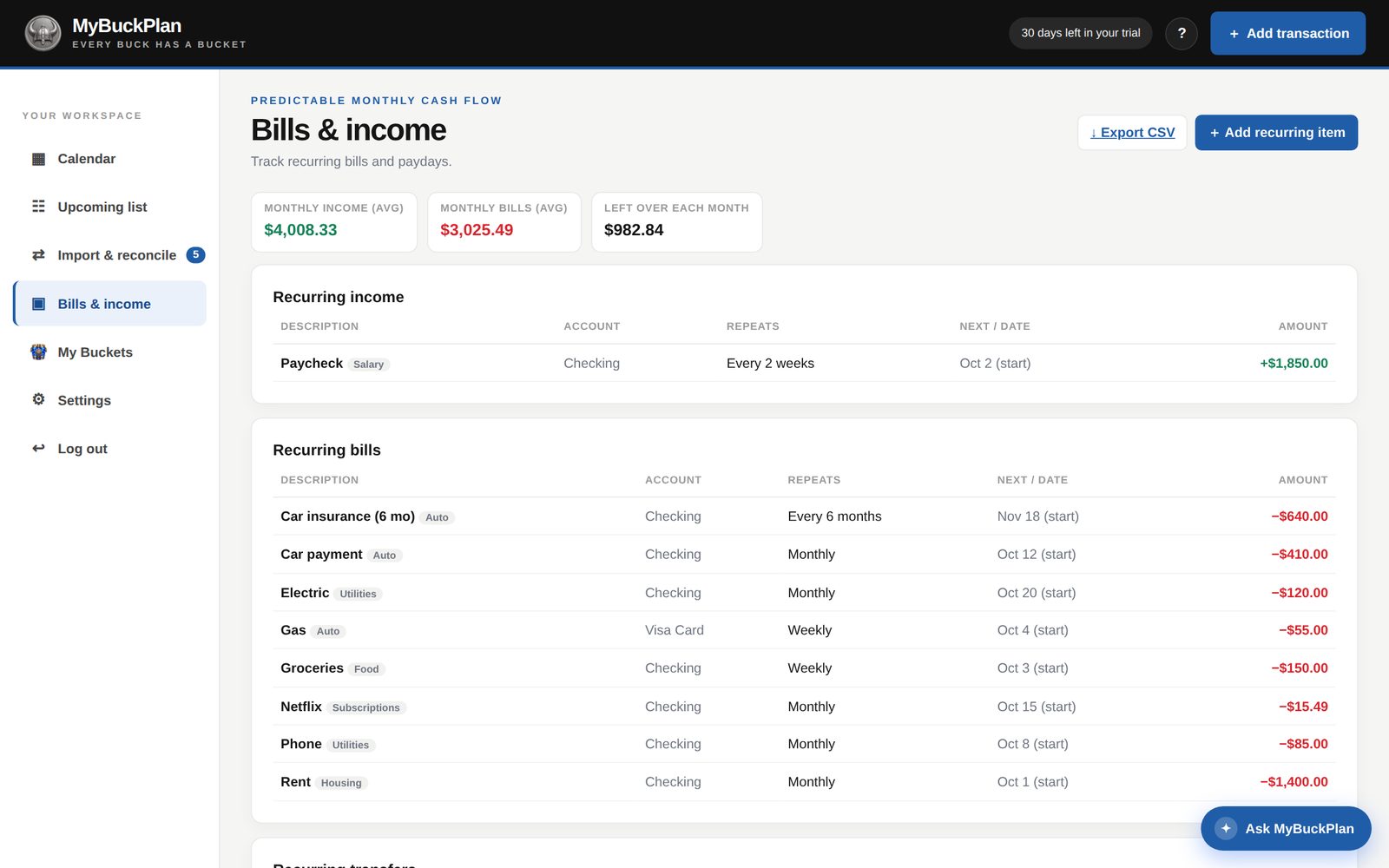
Mark items as cleared when they hit the bank. Organize items with existing categories or add your own, such as Groceries, Utilities, or Pets.
Use MyBuckPlan on your iPhone, iPad, Android phone, or computer. Your accounts, bills and daily balances stay the same on every device.
Get the app, or just open it in any browser. One account everywhere.
Start free trial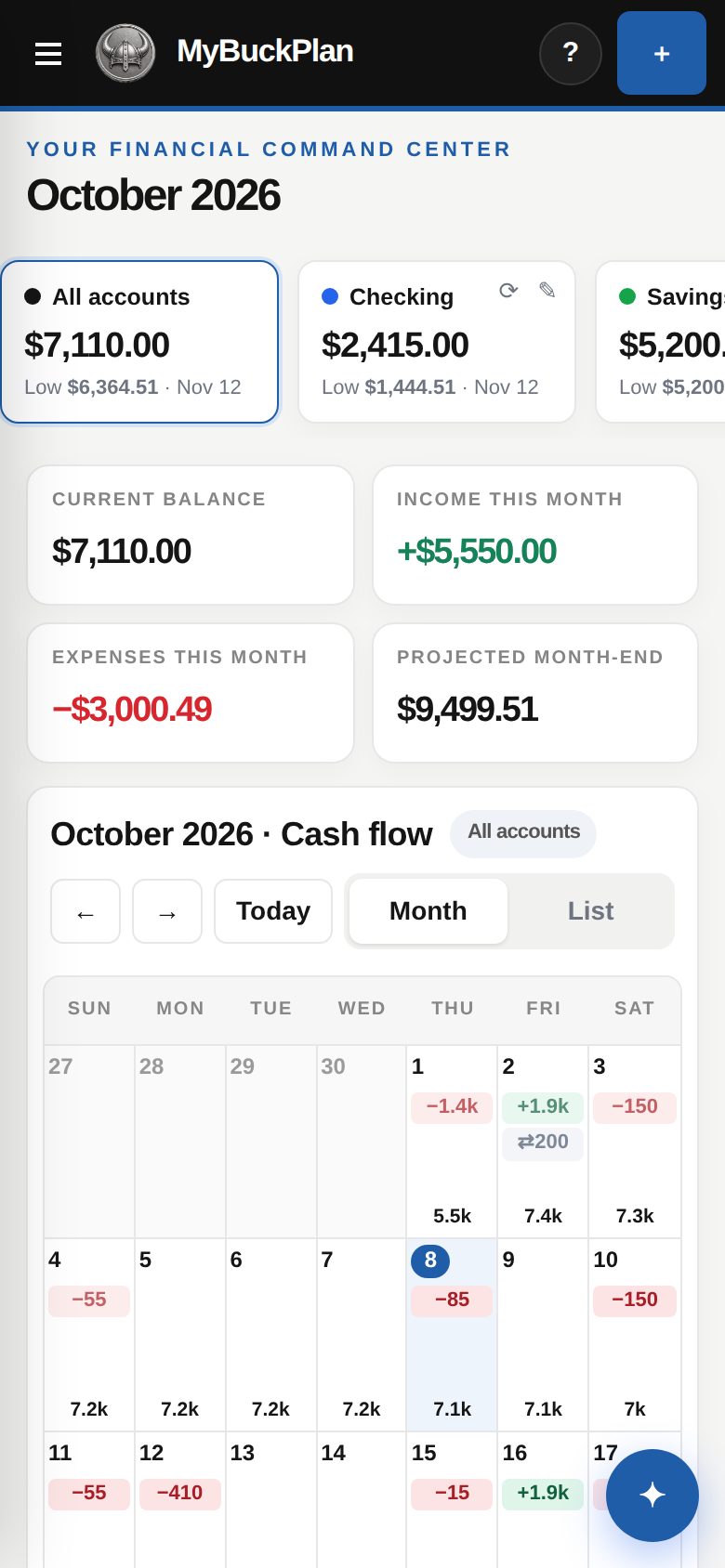
A monthly total tells part of the story. The dates tell the rest.
| What you need to know | A typical spreadsheet budget | MyBuckPlan |
|---|---|---|
| When money gets tight | Monthly totals can hide a gap between paydays. | See the projected balance on each date, with low-balance warnings. |
| What happens after the bills | Build and maintain your own running-balance formulas. | Scheduled items update the daily balance for you. |
| A payment moves | Update cells and check the affected calculations. | Change one date or a whole repeating series. |
| Different account balances | Organize separate sheets or formulas. | See one account or all accounts together. |
Add your paydays and bills. See your daily balances ahead. Decide whether MyBuckPlan fits the way you manage money.
No credit card required for your free trial.
30-day free trial
Monthly subscription after your trial. Cancel any time. AI answers use prepaid Brave Heart coins.
No. Add your starting balances and scheduled items yourself. To reconcile transactions, upload a CSV you download from your bank. MyBuckPlan does not automatically connect to your bank.
MyBuckPlan starts with your account balance and applies the bills, income, and transfers you schedule. Each day shows its projected end-of-day balance. The projection depends on the amounts and dates you enter.
Income is green, bills are red, and transfers are grey. A red day means the projected balance goes below zero. Amber means it falls below your chosen warning level.
Yes. Upload a bank CSV. MyBuckPlan matches bank lines to scheduled items by exact amount, or a close amount within a few days. Accept all exact matches, add unplanned purchases, ignore lines, or undo changes. Re-uploading the same file does not create duplicates.
Yes. It runs in a browser on your phone, tablet, or computer. You can add it to your phone’s home screen. There is no App Store app yet.
MyBuckPlan uses secure login over HTTPS. Your data is never sold. You can export your data to CSV and delete your account and all data from Settings at any time.
The free trial lasts 30 days and requires no credit card. To continue after the trial, choose the monthly subscription. You can cancel any time. The plan is $10 a month plus tax. See Pricing for details.
Yes. Track checking, savings, credit cards, and cash. Credit card balances owed appear as negative amounts. View one account or all accounts together, and schedule transfers between them.
Edit or delete only that date, that date and future dates, or the entire series. You can also skip a single payment or move it to another day.
Ask MyBuckPlan answers questions about using the app with numbered steps. Each step includes a “Show me” button that points to the exact control on screen. It opens only when you ask and does not give financial or investment advice.
Use Update balance and enter what the bank shows today. MyBuckPlan adds an adjustment and corrects every future day.
Yes. Export everything to CSV for Excel or Google Sheets. You can delete your account and all data at any time from Settings.

Brave heart. Clear plan.A little clarity for the days ahead.
Know what’s coming. See what’s left. Make your next move with a clearer view.
Start your 30-day free trialNo credit card required. Cancel any time.